

money soft

Moneysoft Ltd.
12 Glasshouse Studios
Fryern Court Rd.
Fordingbridge SP6 1QX

08456 444 555
info@moneysoft.co.uk

payroll manager
 
Introduction Entering Pay Payslips Records Reports CIS Updates Features
 
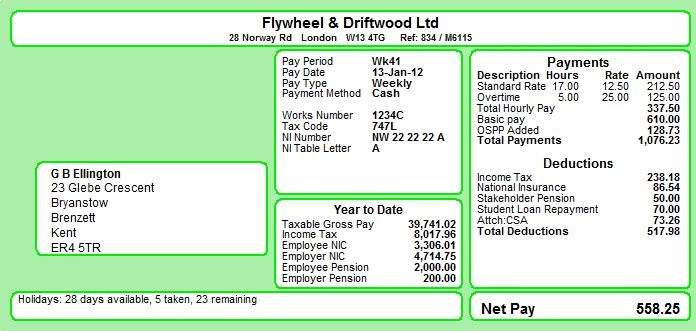
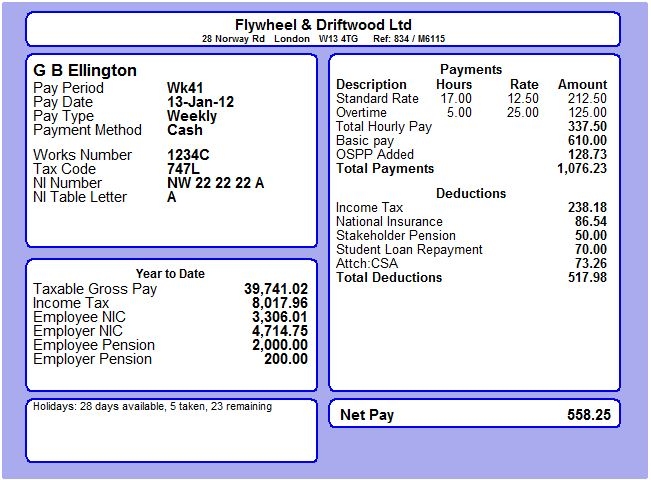
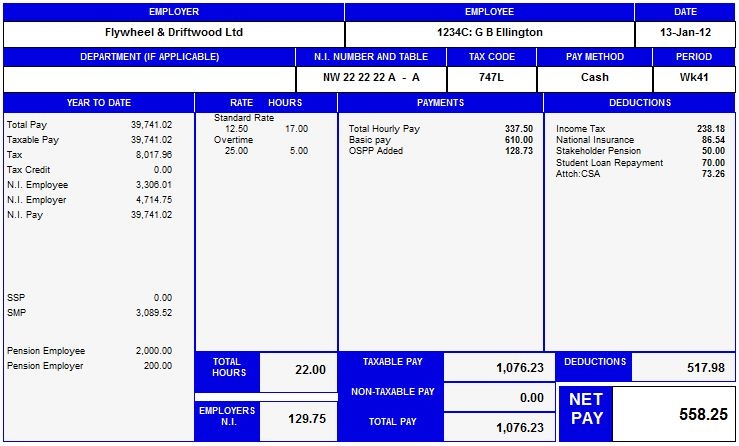
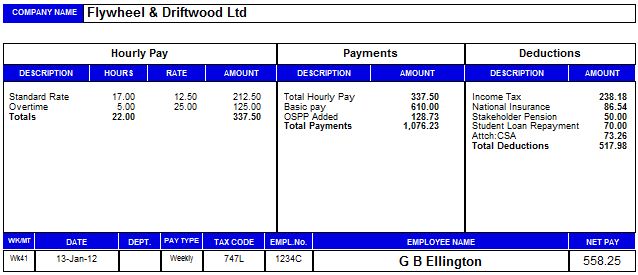
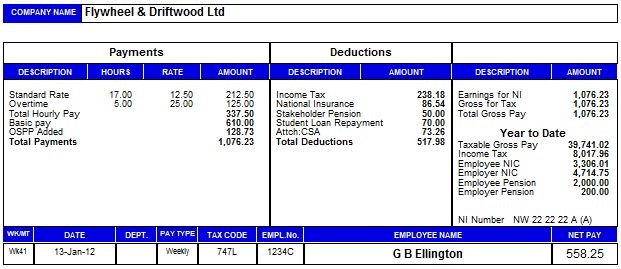
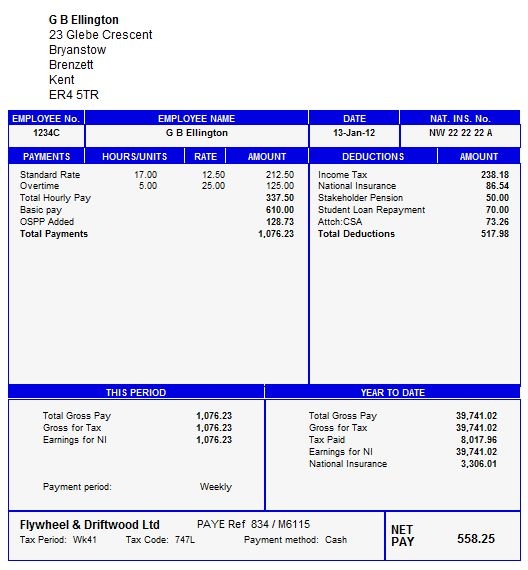
Payslips can be printed on plain A4 paper or onto pre-printed stationery.

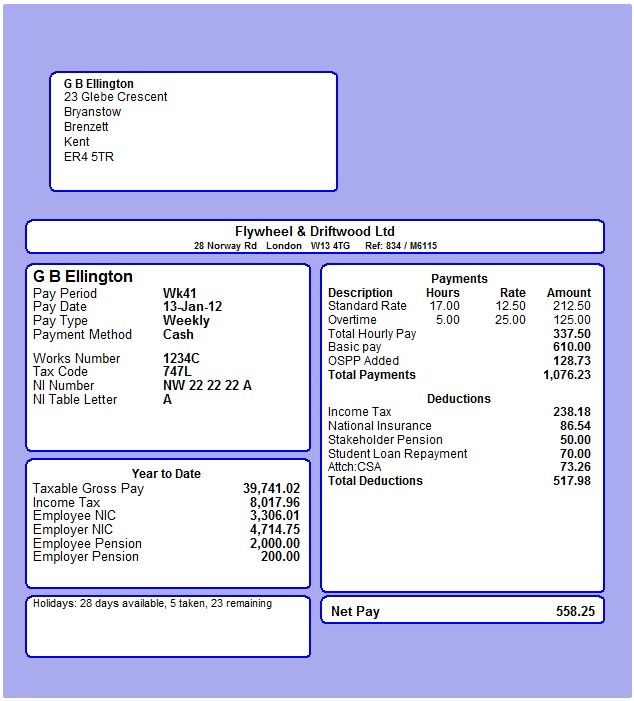
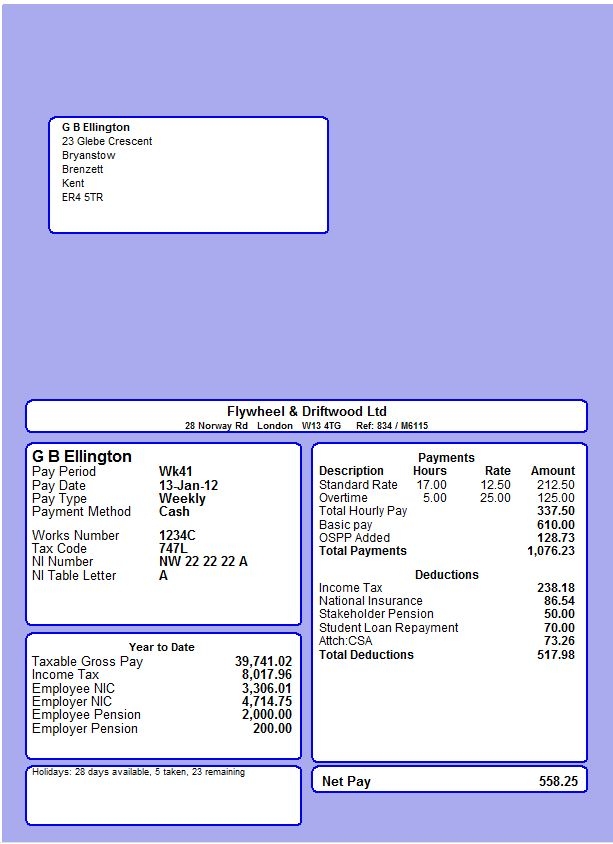
The Standard payslip is available as either two or three per page, or as a security self-seal payslip.  The three per page layout (DL) has the employee name and address which will show through a DL window envelope.

This payslip can be made to incorporate the employer’s own logo, as shown.

Notes for each employee can also be included on the payslip.

You can print payslips individually, or  you can use the Automatic Payroll Run facility which will carry out the desired sequence of actions - for example print two of copies of each payslip, one copy of the employer summary, the employer payslip, the cash makeup, and two copies of the bank BACS instruction, and then lock the current period so that the data cannot be altered inadvertently.

The Payroll Run option can also be set to make the appropriate payroll entries in your Money Manager data file.

Click to enlarge: Payslip
Click to enlarge

Click to enlarge: Pre-Printed Payslip
Click to enlarge

Click to enlarge: Pre-Printed Payslip
Click to enlarge

Click to enlarge: Payslip
Click to enlarge


Introduction Entering Pay Payslips Records Reports CIS Updates Features